

Money Manager Calendar
Explore our review of Money Manager Calendar, an intuitive Windows app that uses a visual calendar interface to simplify daily expense and budget tracking.
A Visual Approach to Personal Finance
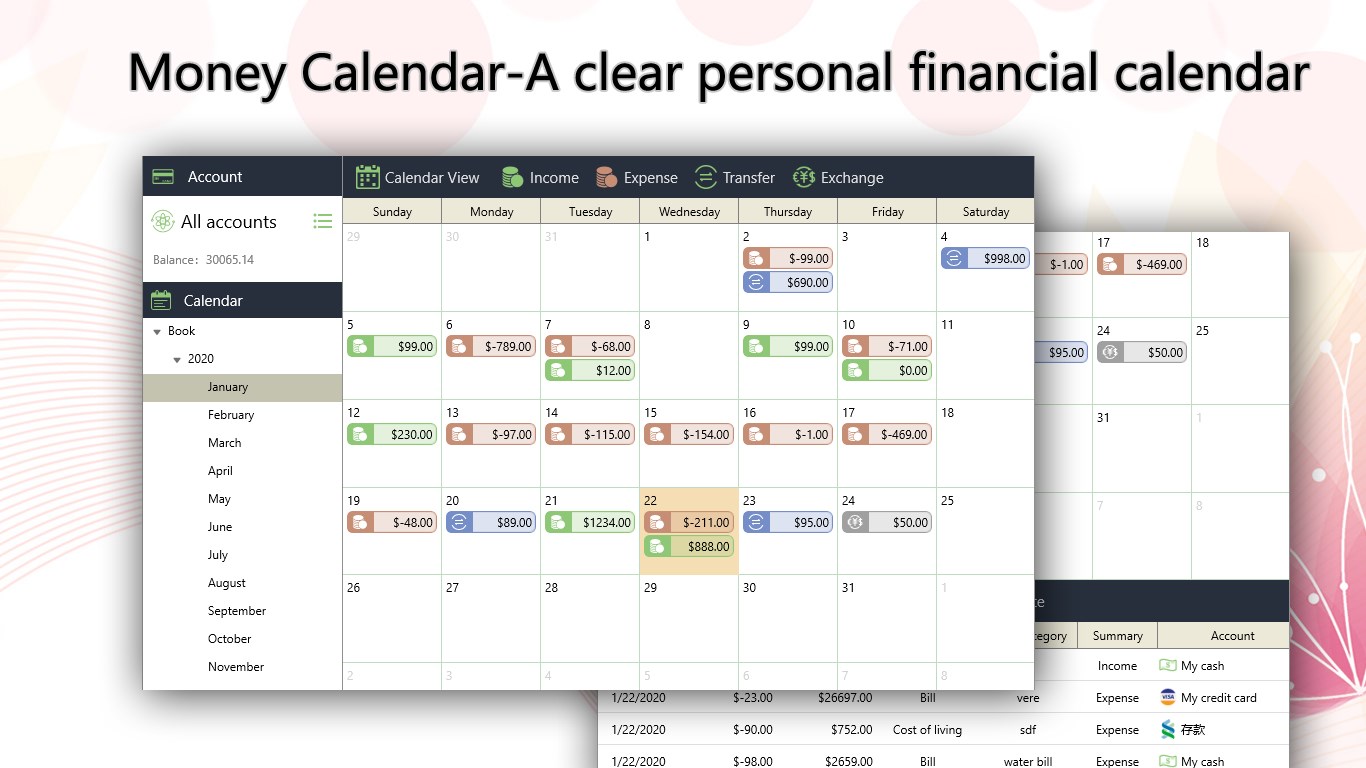
Managing daily expenses can often feel like a chore, but the Money Manager Calendar spending tracker reframes your financial life through an intuitive, calendar-based interface. Developed by Money Manager : Personal Finance for the Windows platform, this tool is designed specifically for individuals who visualizer their spending habits over time. Instead of staring at dry, complicated spreadsheets, users can see exactly when and where their money flows on a familiar monthly grid.
Key Features of Money Manager Calendar
To help you gain control over your financial habits, the app offers several robust features tailored for seamless tracking:
- Income and Expense Logging: Quickly document every transaction to maintain an accurate history of your cash flow.
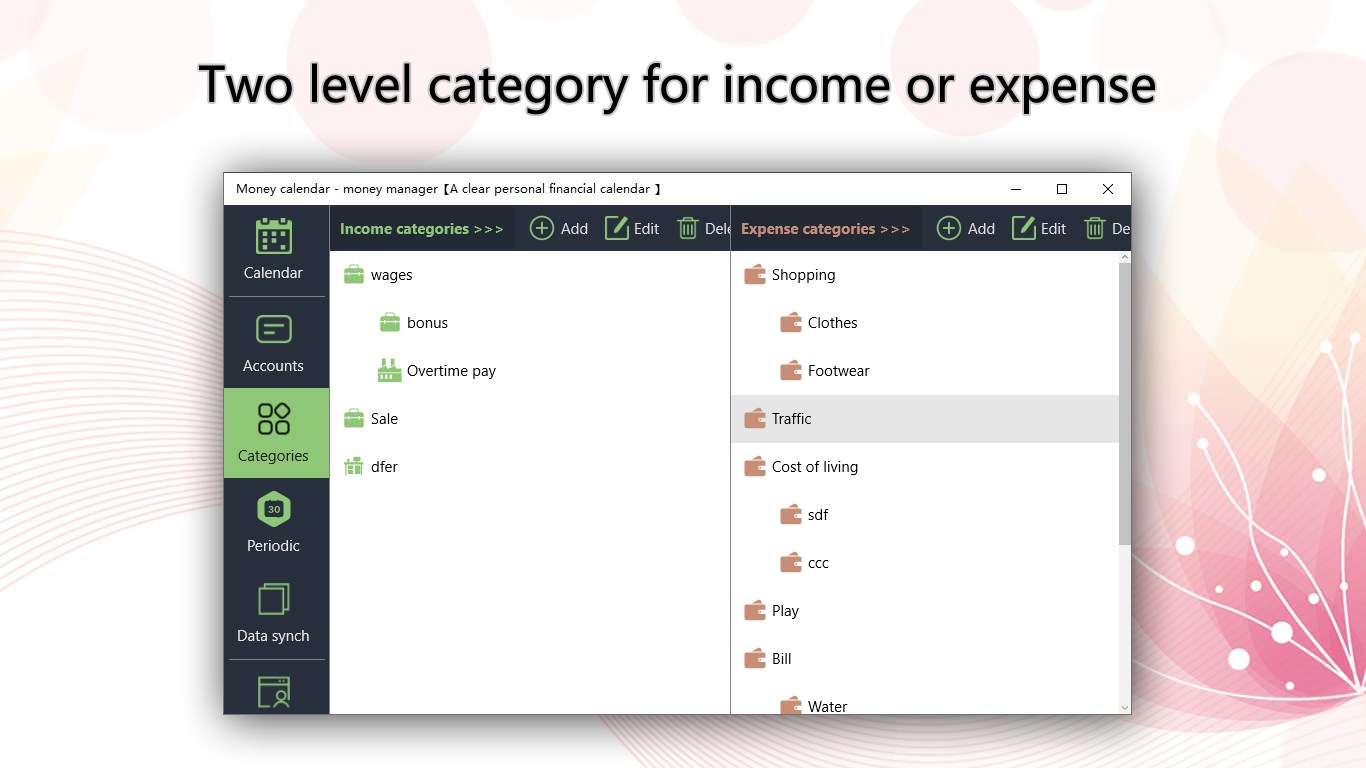
- Two-Level Category Management: Organize your transactions with primary and secondary categories for granular financial insights.
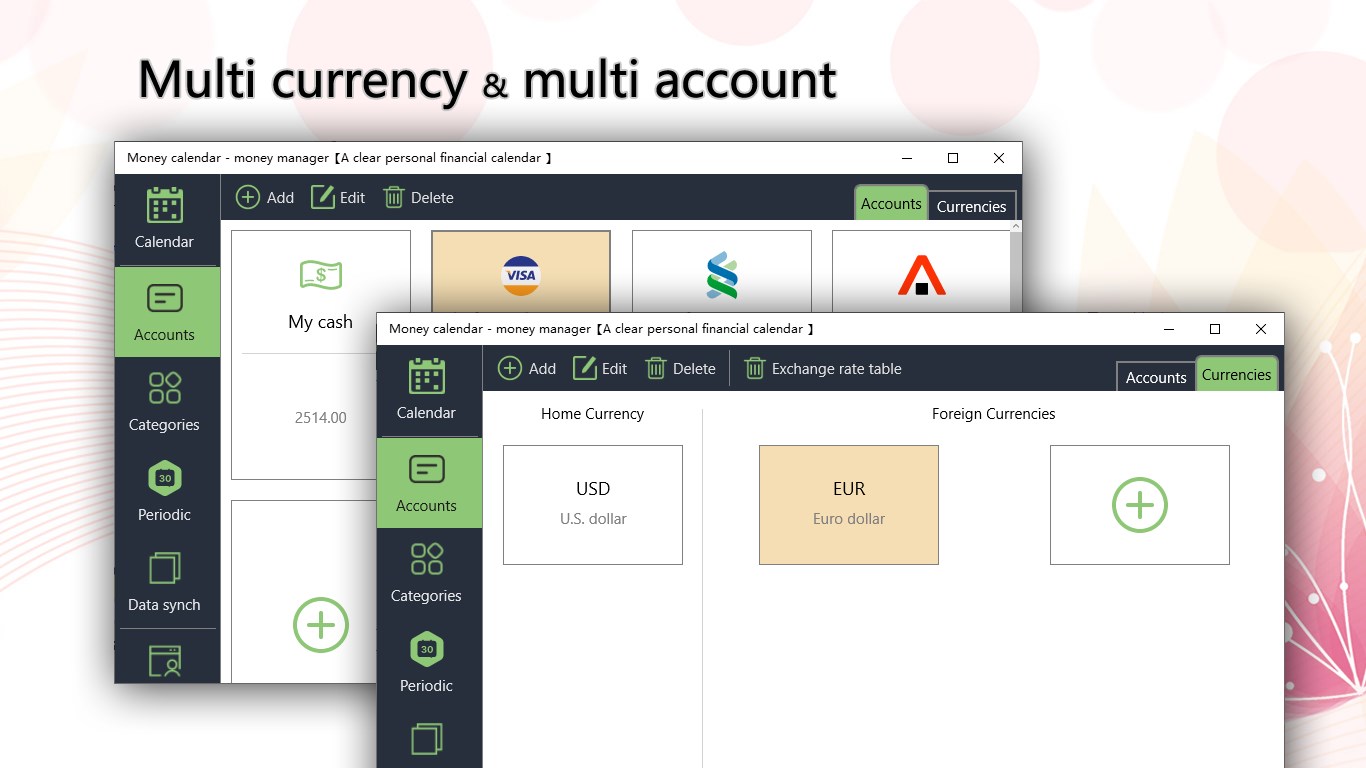
- Account Transfers & Multi-Currency Support: Easily move funds between different virtual accounts while managing multiple currencies smoothly.
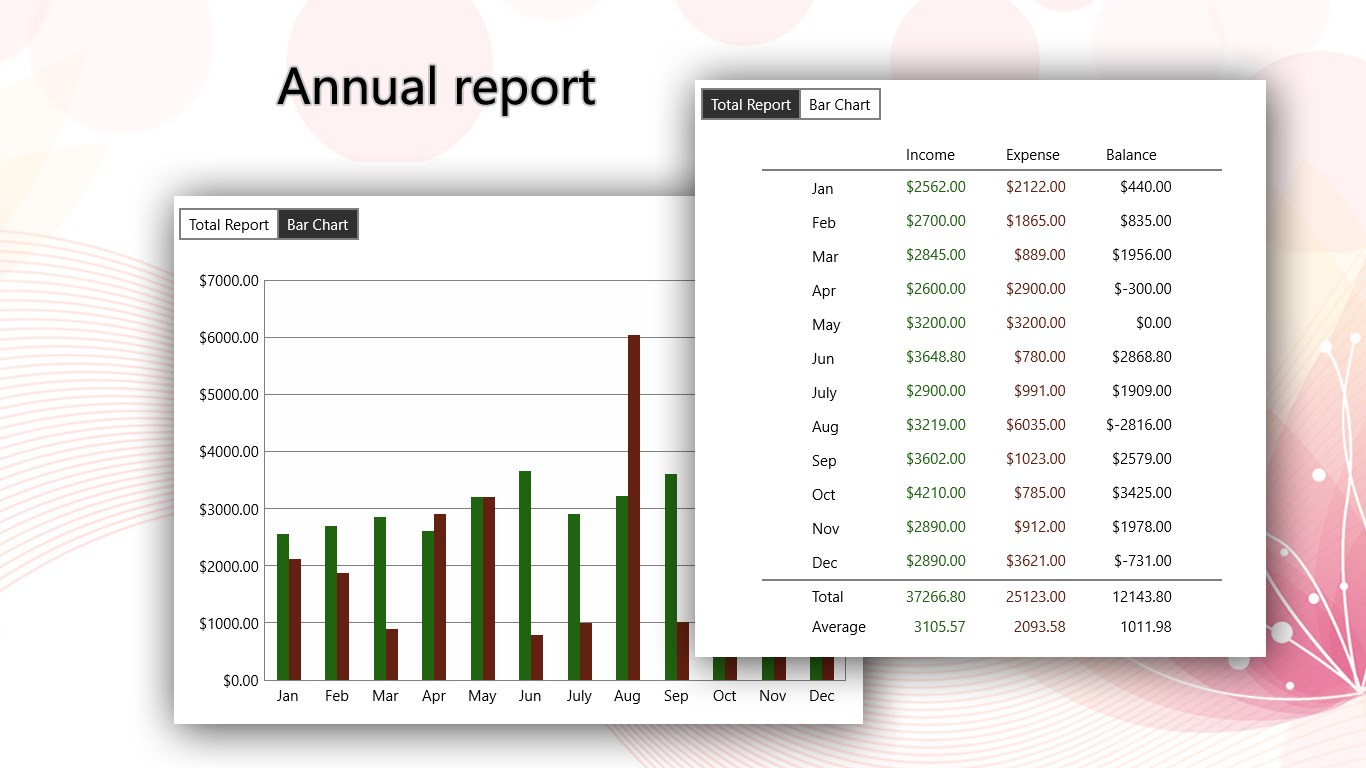
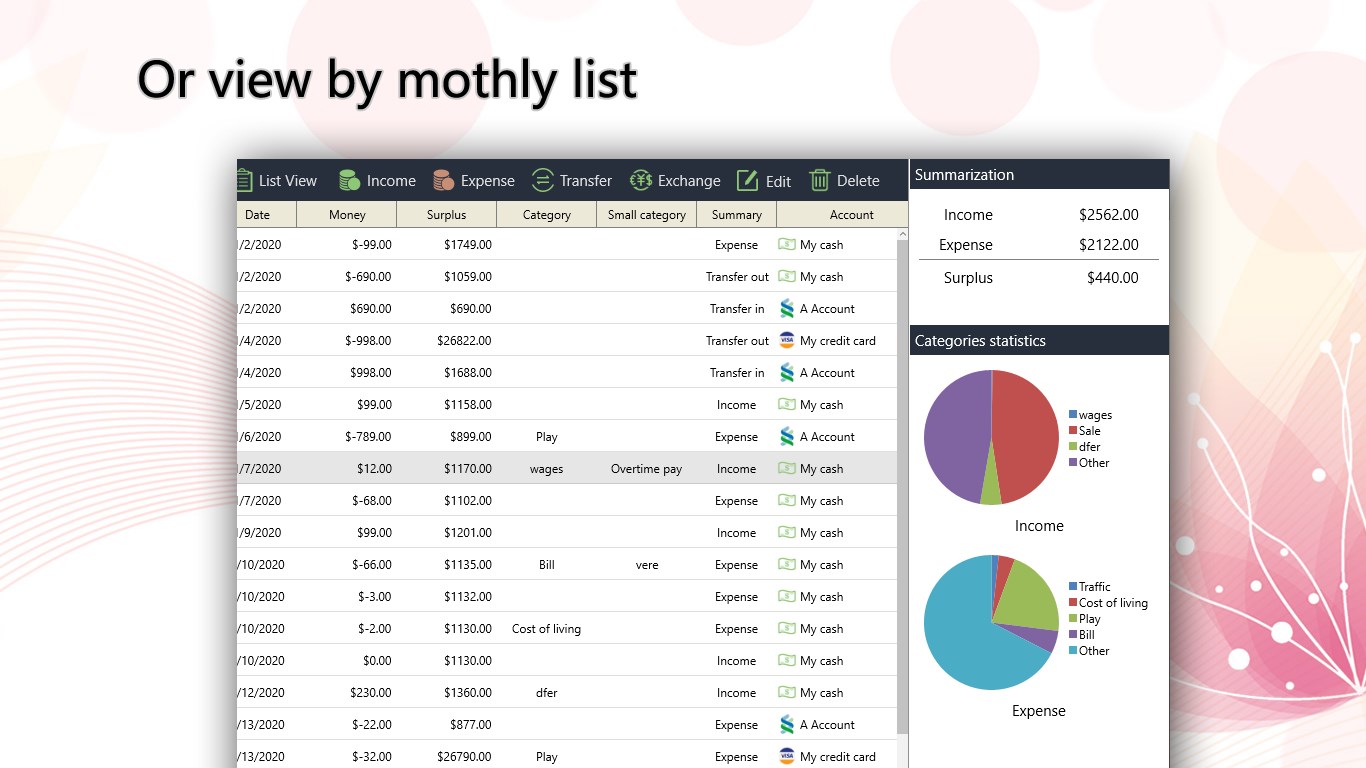
- Visual Statistical Reports: Understand where your money goes with intuitive charts showing your monthly income and expenditure sources.
- Budget Planner: Set realistic spending limits and track your progress to prevent overspending.
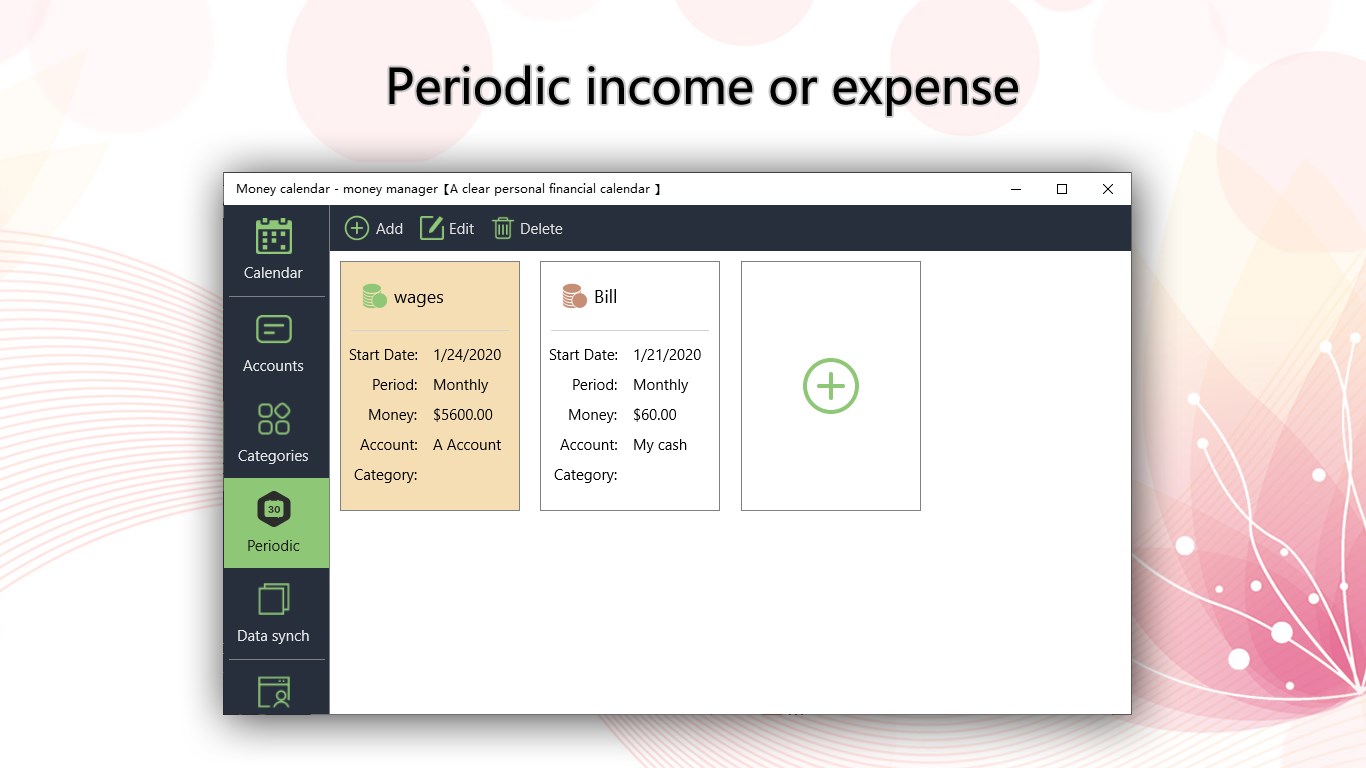
- Periodic Records: Automate recurring bills and regular income streams to save time on manual entry.
Who Benefits Most From This Tool?
The Money Manager Calendar spending tracker is ideal for busy professionals, students, or anyone who struggles with traditional, text-heavy budgeting software. If you appreciate seeing your financial obligations mapped out day-by-day, the calendar view makes it incredibly easy to anticipate upcoming bills and review past spending patterns at a single glance. Its straightforward layout provides a low-barrier entry point for absolute beginners while offering deep categorization for seasoned budgeters.
Streamline Your Budgeting Today
By transforming your financial record-keeping into a clean, visual timeline, this application takes the stress out of wealth management. If you are ready to monitor your expenses and build healthier financial habits on your Windows device, head over to the official Microsoft Store to download the Money Manager Calendar spending tracker and start planning your path to financial freedom.