
Movavi Photo Editor


Discover how Movavi Photo Editor for Mac simplifies image enhancement with advanced AI tools. Read our detailed review and optimize your workflow today.
The Power of AI-Driven Image Enhancement
In the crowded landscape of design software, Movavi Photo Editor for Mac stands out by removing the steep learning curve typically associated with professional-grade desktop editing. Instead of forcing users to navigate complex multi-layered interfaces, this application leverages intuitive AI-powered tools to execute sophisticated adjustments in seconds. Whether you need to salvage a poorly lit shot or completely reimagine a composition, the software streamlines the entire creative process directly on your macOS device.
Key Features of Movavi Photo Editor for Mac
- Seamless Background Replacement: The optimized AI algorithm automatically detects people and objects, allowing you to isolate subjects and swap backgrounds with solid colors or custom images effortlessly.
- Smart Object Removal: Easily erase distracting elements like power lines, random bystanders, or structural blemishes without leaving behind messy artifacts.
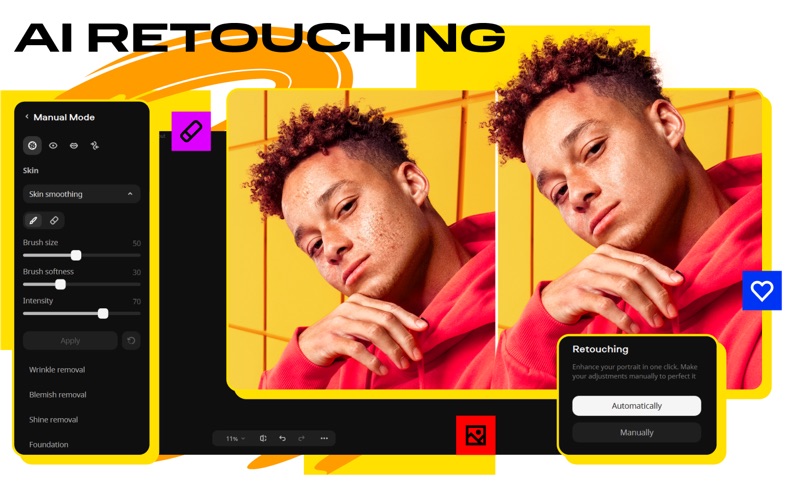
- Comprehensive Portrait Retouching: Take advantage of a full virtual makeup kit, skin-smoothing sliders, teeth whitening, and facial reshaping tools to perfect your portraits.
- Old Photo Restoration: Revive vintage family archives by automatically patching scratches, eliminating creases, and enhancing faded colors.
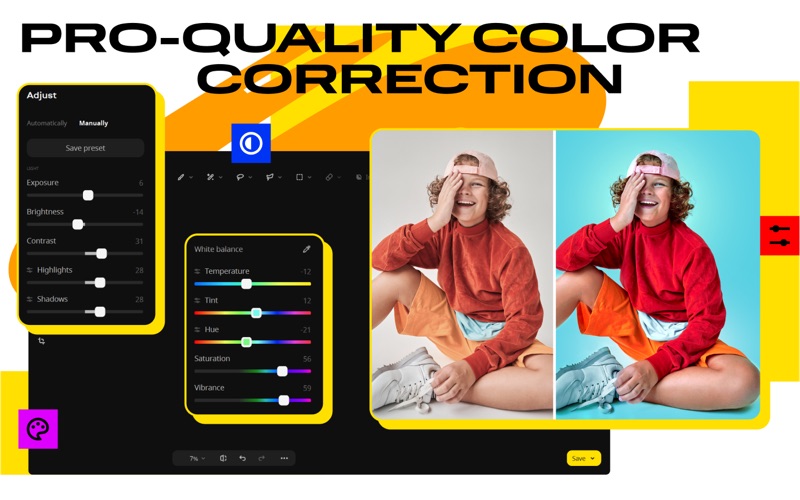
- Precision Color Correction: Use automatic smart filters to instantly balance exposure, or manually fine-tune individual image elements to resolve lighting issues.
Who Is This Design Tool For?
Developed by Movavi Emea LLC, this application is tailored specifically for Mac users who require rapid, high-quality visual outputs without investing hours in training. It is an ideal solution for content creators managing social media channels, travel photographers looking to clean up busy scenic shots, and hobbyists wishing to restore cherished historical family photographs. Its balance of automated efficiency and manual control makes it highly versatile for various design tasks.
Fine-Tuning and Creative Flourishes
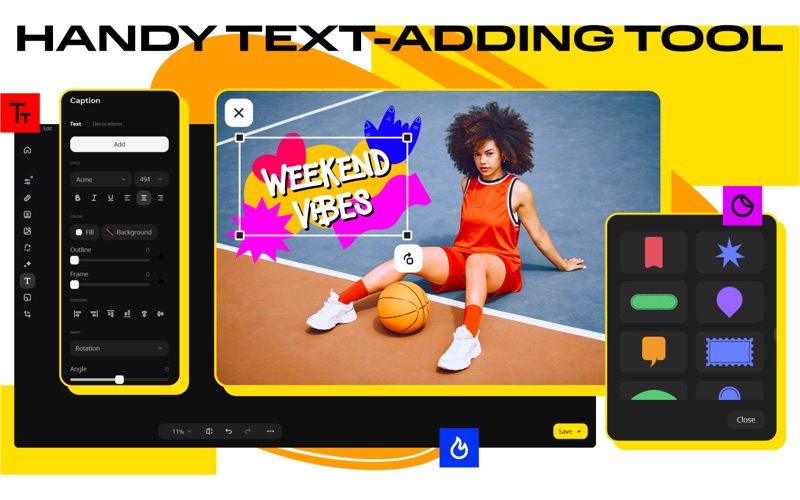
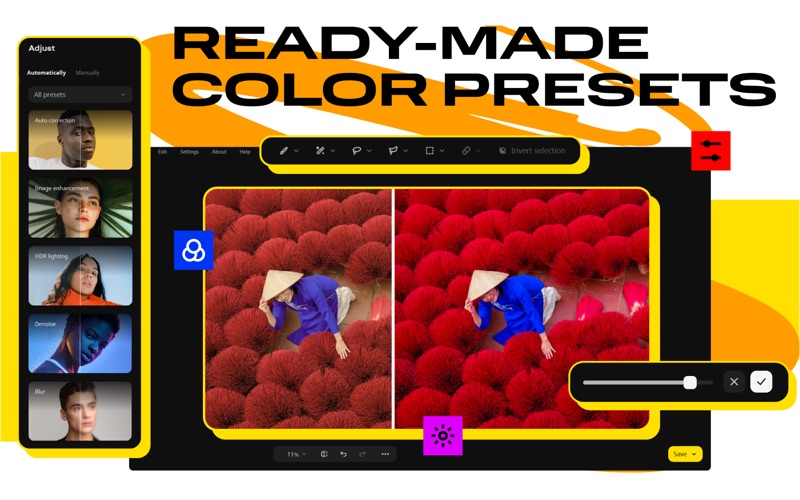
Beyond its core utility features, Movavi Photo Editor for Mac offers a rich library of creative presets, elegant text captions, and stylish frames. These elements make it simple to add a cohesive aesthetic to your portfolio or design projects. The software operates on a subscription model with an available trial period, allowing you to explore its full feature set before making a commitment.
Our Editorial Verdict
For macOS users seeking a dependable, modern design application that handles complex tasks like background isolation and object removal with minimal effort, this tool delivers exceptional value. To explore its features firsthand and evaluate how it fits into your creative pipeline, visit the official Apple App Store to download the trial version.