Shotwell
Discover Shotwell, the ultimate open-source photo manager for GNOME. Read our review to see how it simplifies Linux photo organization and editing.
Imagine coming home from a weekend trip with hundreds of raw photos scattered across your camera's memory card, feeling overwhelmed by the sheer volume of files waiting to be sorted. The Shotwell digital photo organizer is designed precisely for this scenario, offering Linux users a seamless, lightweight, and highly efficient way to bring order to their visual media libraries.
What is the Shotwell Digital Photo Organizer?
Developed by The Shotwell developers, this application serves as a dedicated desktop companion for GNOME environments. It acts as a central hub where you can import, categorize, and polish your images without dealing with complex, resource-heavy software. Whether you are managing professional TIFF files or quick smartphone JPEG captures, it streamlines your entire media workflow.
Core Features of Shotwell
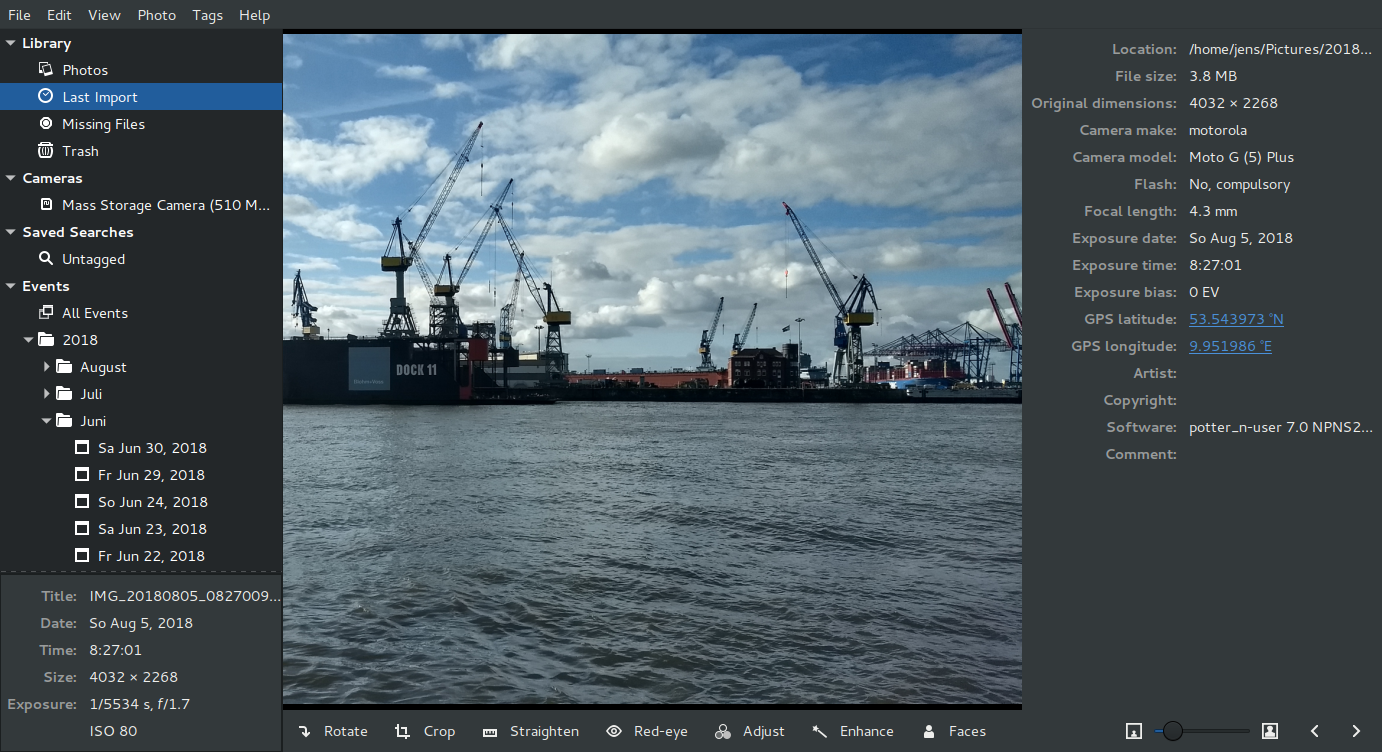
- Seamless Media Import: Easily import photos directly from your local disk storage or connected digital cameras.
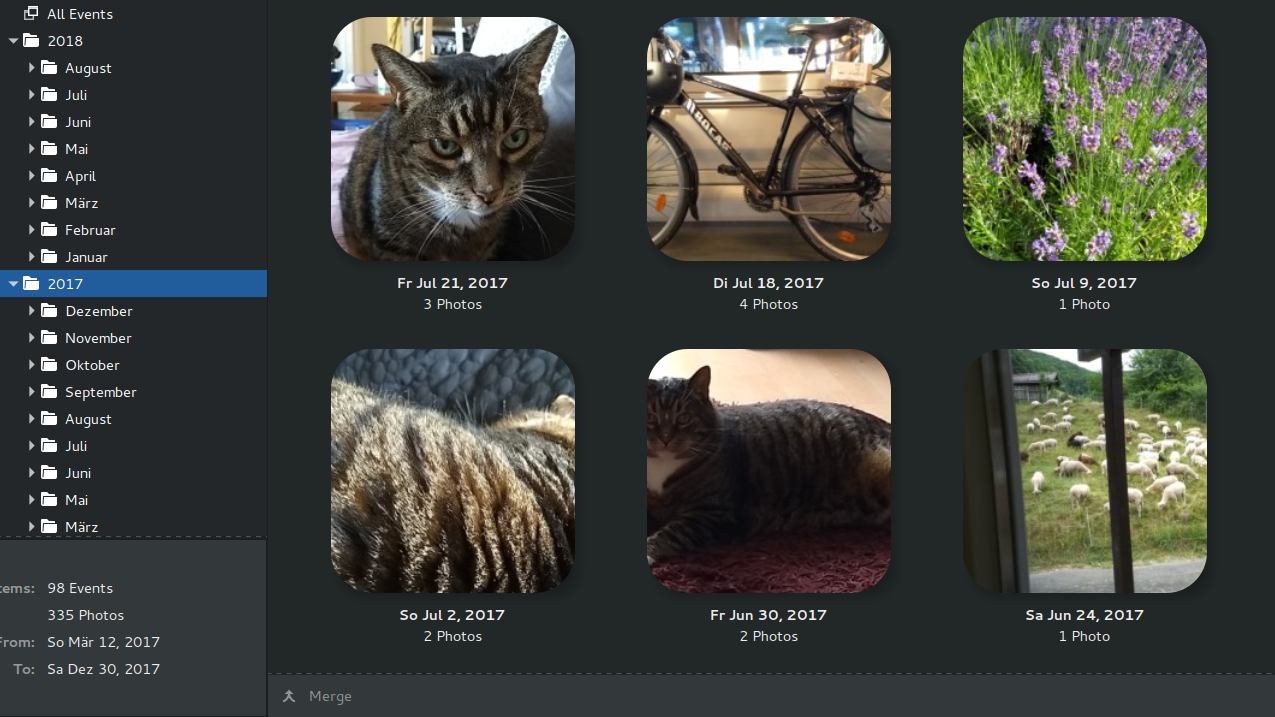
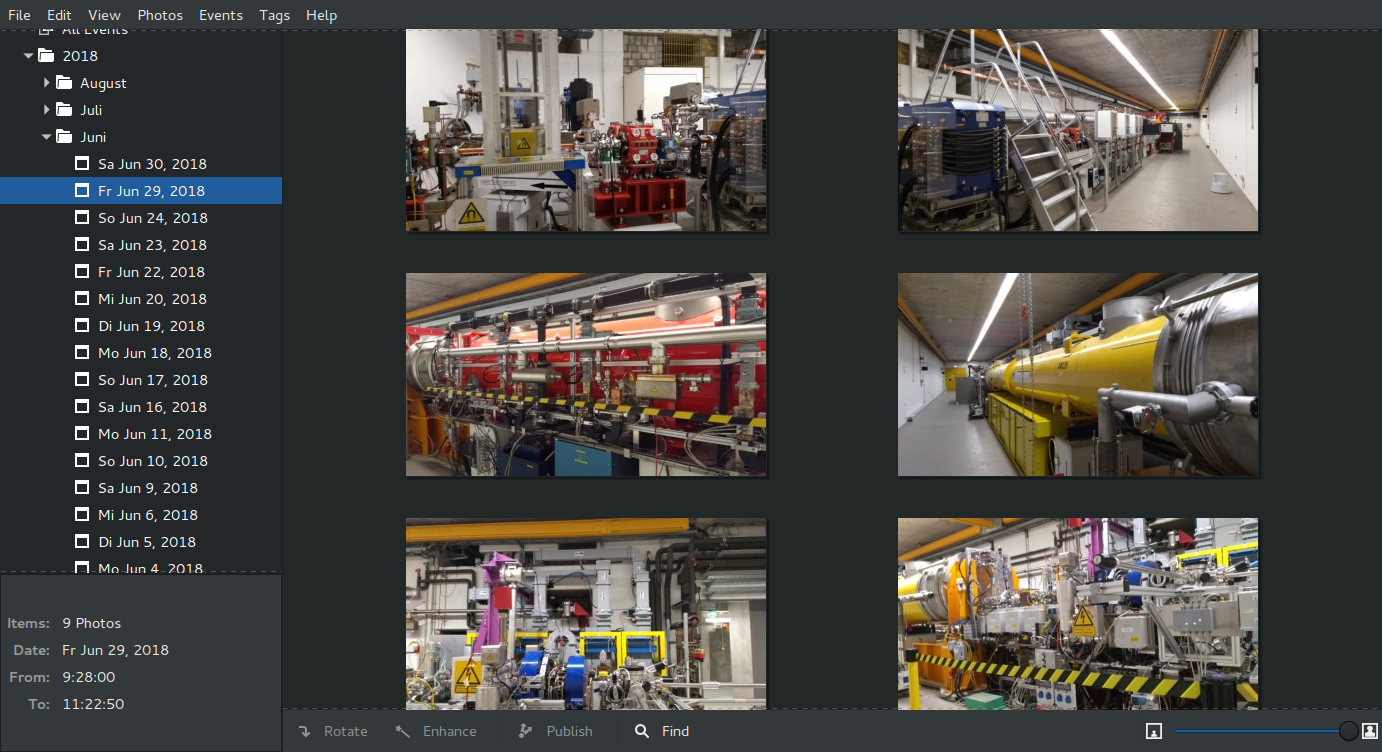
- Smart Categorization: Automatically group your images by the date they were taken, or manually organize them using custom subjects and star ratings.
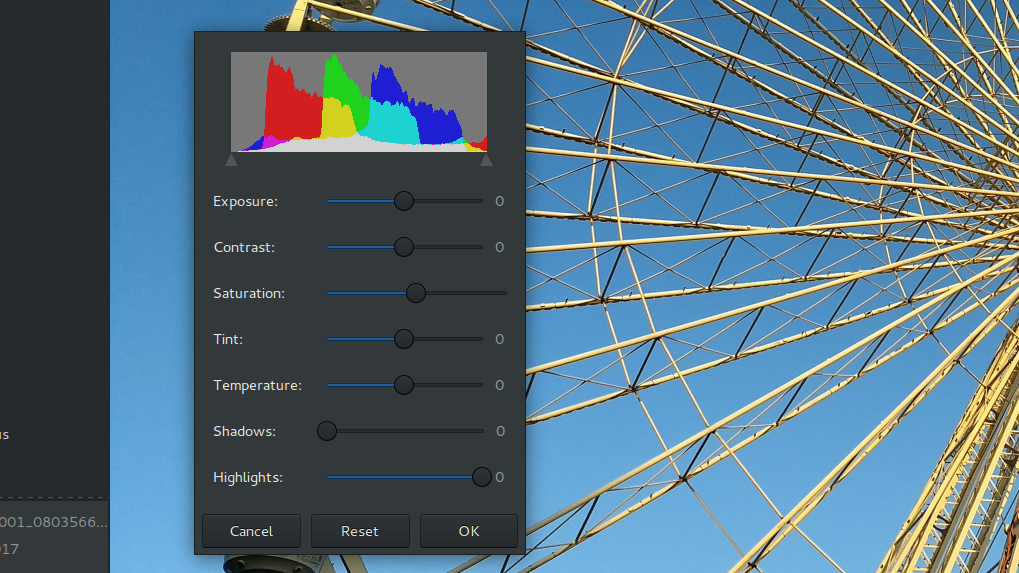
- Non-Destructive Editing Suite: Experiment safely with essential adjustments like cropping, red-eye reduction, color balancing, and straightening. Your original master files remain completely untouched.
- Wide Format Compatibility: Full native support for JPEG, PNG, TIFF, and several raw camera file formats.
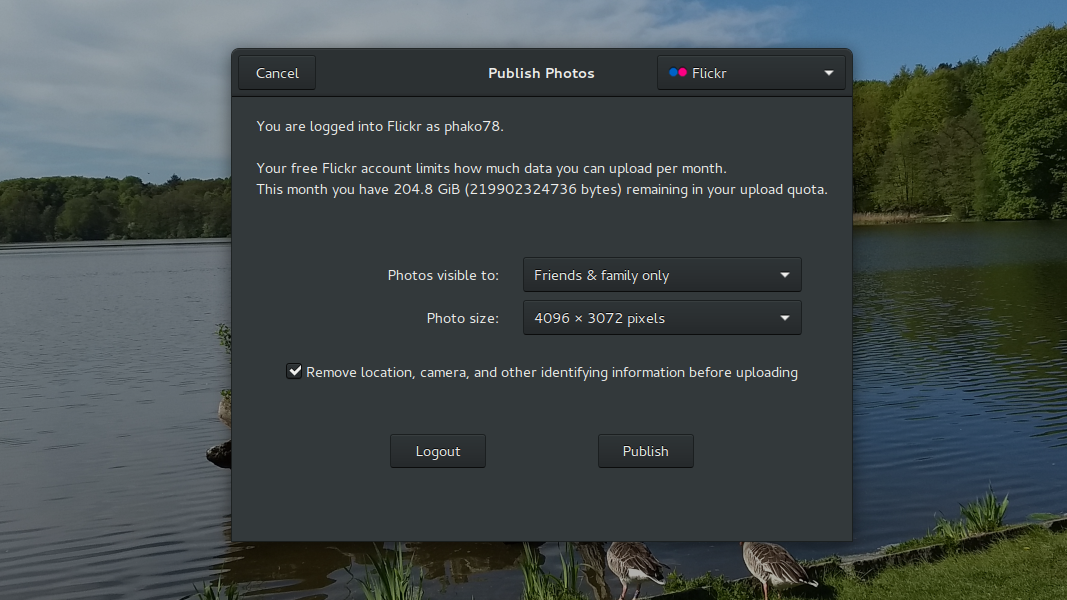
- Direct Web Publishing: Export and upload your favorite memories directly to popular online platforms, including Google Photos and Flickr.
Who is This Photo Manager For?
The Shotwell digital photo organizer is ideal for Linux desktop users who need a fast, dependable tool for daily image curation. Its design prioritizes speed and simplicity, making it perfect for hobbyist photographers, content creators, and anyone who wants to declutter their system without a steep learning curve.
Pros and Cons
Pros:
- Lightweight and highly responsive on GNOME systems.
- Non-destructive editing ensures your original snapshots are always preserved.
- Straightforward publishing tools for quick online sharing.
Cons:
- Editing capabilities are limited to basic adjustments rather than advanced manipulation.
- Primarily optimized for Linux-based desktop environments.
Get Started with Shotwell
If you are ready to transform your cluttered folders into a beautifully structured gallery, this application is an excellent choice. To explore the software for yourself and integrate it into your Linux setup, visit the official Flathub store page today.